Tue, Dec 18 2012

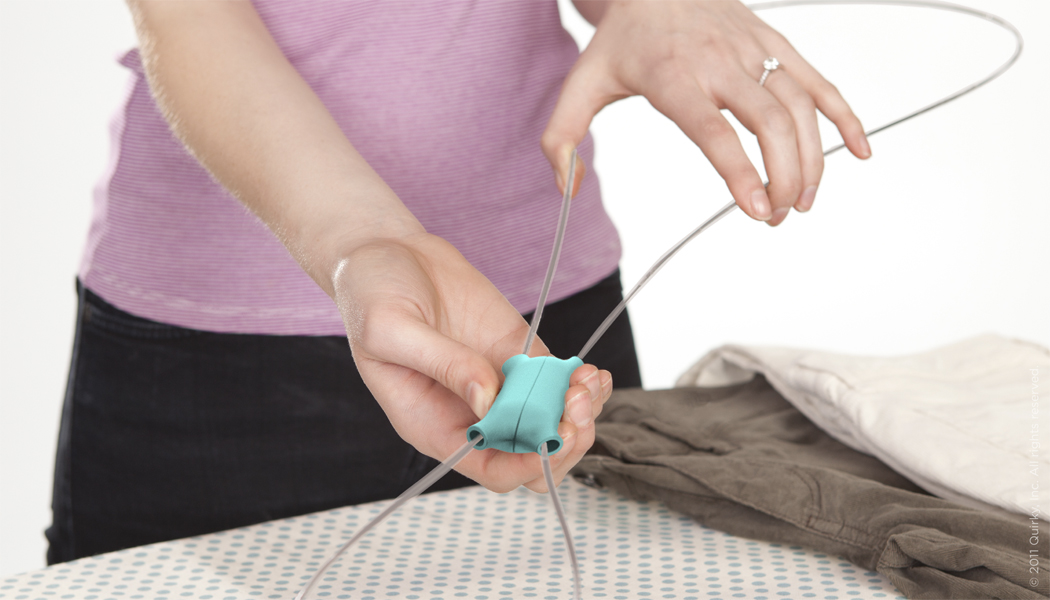
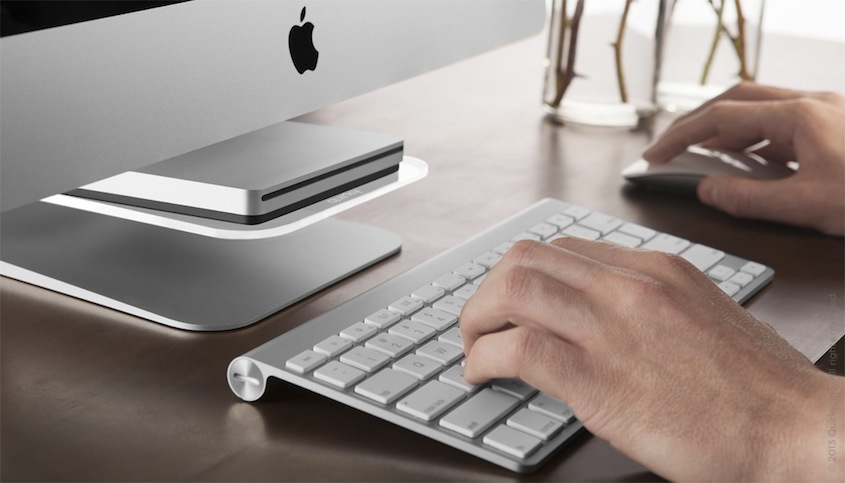
If we had to guess, the person who coined the phrase “a picture is worth a thousand words” was probably a designer. While it’s possible to have an invention selected on Quirky without an image, few things make an invention concept clearer and more compelling than a really solid visual. Bringing your idea to life through a picture not only makes it easier for viewers to understand what you’re going for, but it helps them visualize themselves using the product in their daily lives, increasing their desire to see it on store shelves. After all, how much cooler was Pivot Power after you saw it in the act of taming adapters?
Now, chances are that some of you have artistic experience, in which case this article is probably old news. However, if you’ve never picked up a pencil in your life, don’t worry! You don’t need years of lessons and design school chops to make a convincing product drawing. All you need are the right tools, and a push to get you started. For convenience, we’ve compiled both below:
Sketching

For most inventors, especially those on Quirky, the concept of sketching inspires images of carefully crafted design sketches, intended to show a product in all its multi-faceted glory. This is a tried-and-true method of putting product concepts on paper, and if you’re willing to put in the work, there are a tons of great resources out there to get you on your way to sketching nirvana. This list of basic sketching guidelines is a great place to start, and there are a number of books on the market that will give you a run-through of the fundamentals (we’d recommend Sketching: Drawing Techniques for Product Designers, or Sketching: The Basics).
That being said, if this is starting to sound like too much work, there are ways for even novice artists to leverage the power of sketching in a submission. On top of fleshing out your product’s form on paper, you can also illustrate scenarios in which the product would come in handy. The above sketch for the 4-in-1 segmenting flashlight may not be fancy, but it did a great job of illustrating the invention’s usefulness, and played a large role in the Quirky preval committee’s decision to move this product to Eval.
Digital 2D

While physical sketching may be the inventor’s most accessible art form, some people just don’t mix with a pencil and paper. That’s not a problem though, because there are several free, intuitive sketching programs that you can use to bring simple images to life in no time at all. If you use a computer with Microsoft Windows, MS Paint would be your go-to software, but OSX users can download Paintbrush for roughly the same experience (both programs are free to download and use). While the capabilities of these programs are limited, they provide an effortless means of getting your ideas into the visual realm, with no training or expertise required. The Pivot Power above, while hardly a Rembrandt, was drawn by a novice in under 10 minutes. Furthermore, because the images are digital from the get-go, you won’t have to find a scanner or camera to upload your image to the Quirky site. Easy as you like.
Digital 3D
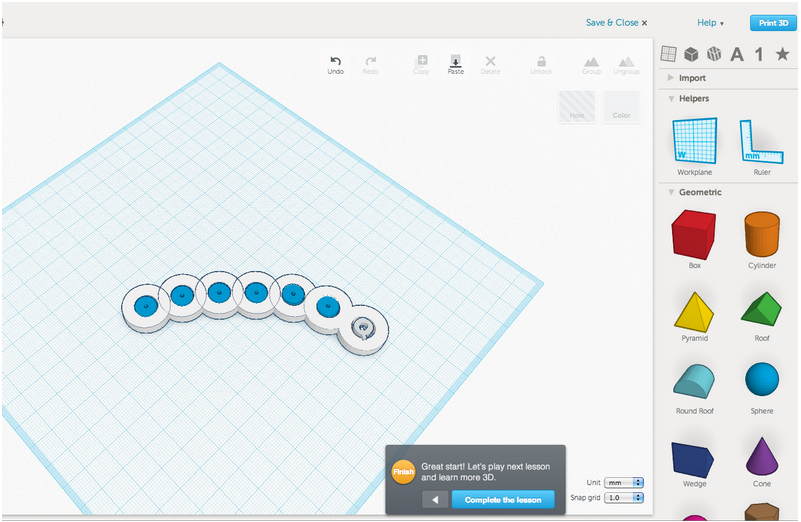
While an image’s most important function is to clearly depict a product’s form, we can’t deny that a flashy, eye-catching image is appealing in its own right. If you’re looking to upgrade the quality of your renders, why not try taking them into three dimensions? Advanced rendering programs like AutoCAD may take years of training to use effectively, but there are more consumer-friendly programs out there that focus on ease of use, providing simple geometric shapes that act as building blocks for more complex designs. SketchUp has been the go-to industry software for years, but we’re also partial to a newer platform called Tinkercad, which takes accessible modeling to a whole new level: the Pivot Power above was rendered by a new user in five minutes. To learn more about this awesome web platform, check out our full review of Tinkercad on the Quirky blog, written by the Community team’s own Hoon Bae.
Other Articles in This Series:
Crafting Your Idea Submission: The Basics
Crafting Your Idea Submission: Research, Research, Research
Crafting Your Idea Submission: Add Some Character